
Meet the character
Connect a Thai letter with its name and sound.
A little practice. A whole new script.
Learn the script. Connect letters with sounds. Write, read and remember Thai—one small step at a time.
Made for iPhone & Android. An account is optional.
Take a look inside ↓Build a connection.
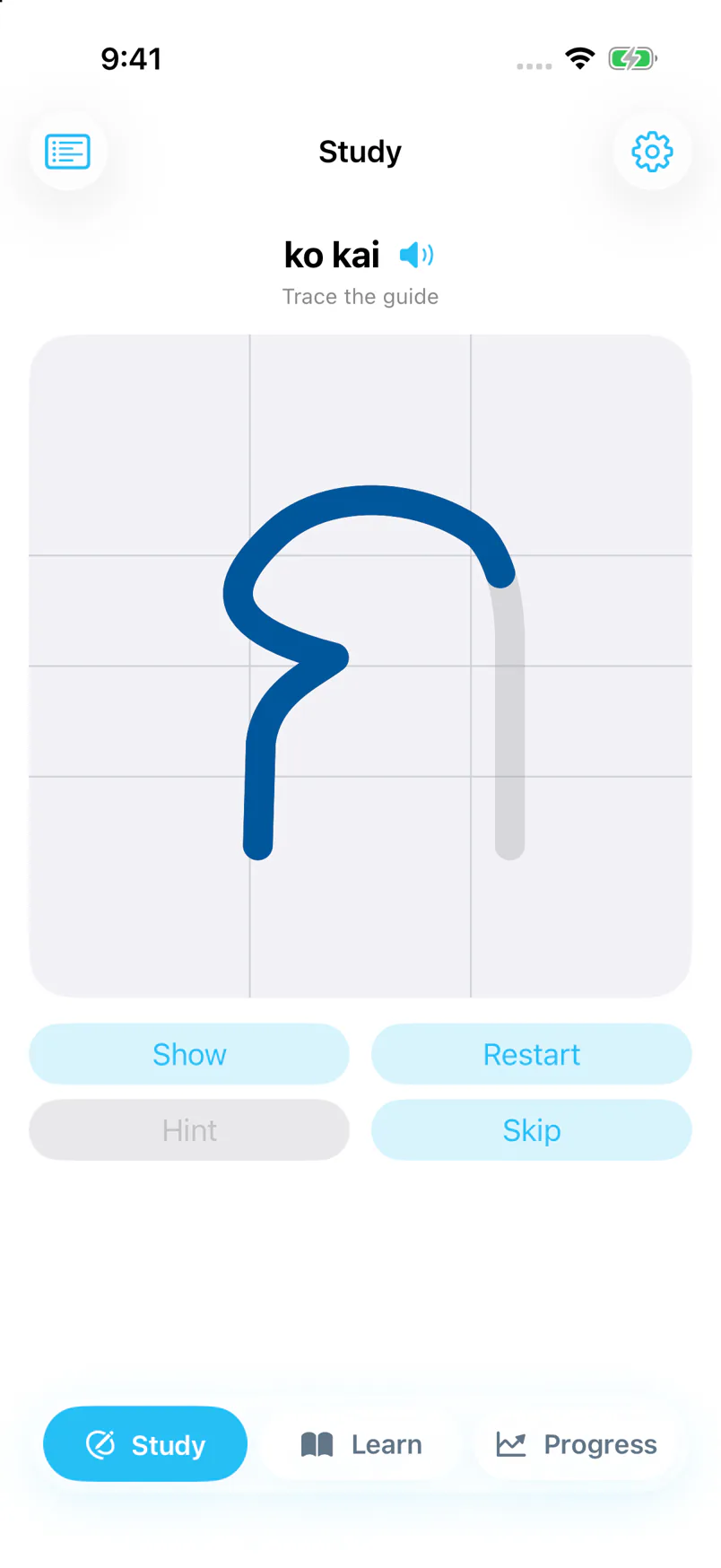
See it. Write it. Recall it.
Thai, from the foundations. Script · Sound · Understanding
Guided lessons + everyday review
The learning loop
Move from following a guide to knowing what comes next.
Connect a Thai letter with its name and sound.
Watch the guide, then practise writing the shape yourself.
Read syllables and useful words built from what you learn.
Use spaced review to return to the things that need practice.
A look inside
A lesson to follow, space to practise, and a study session to help it stick.
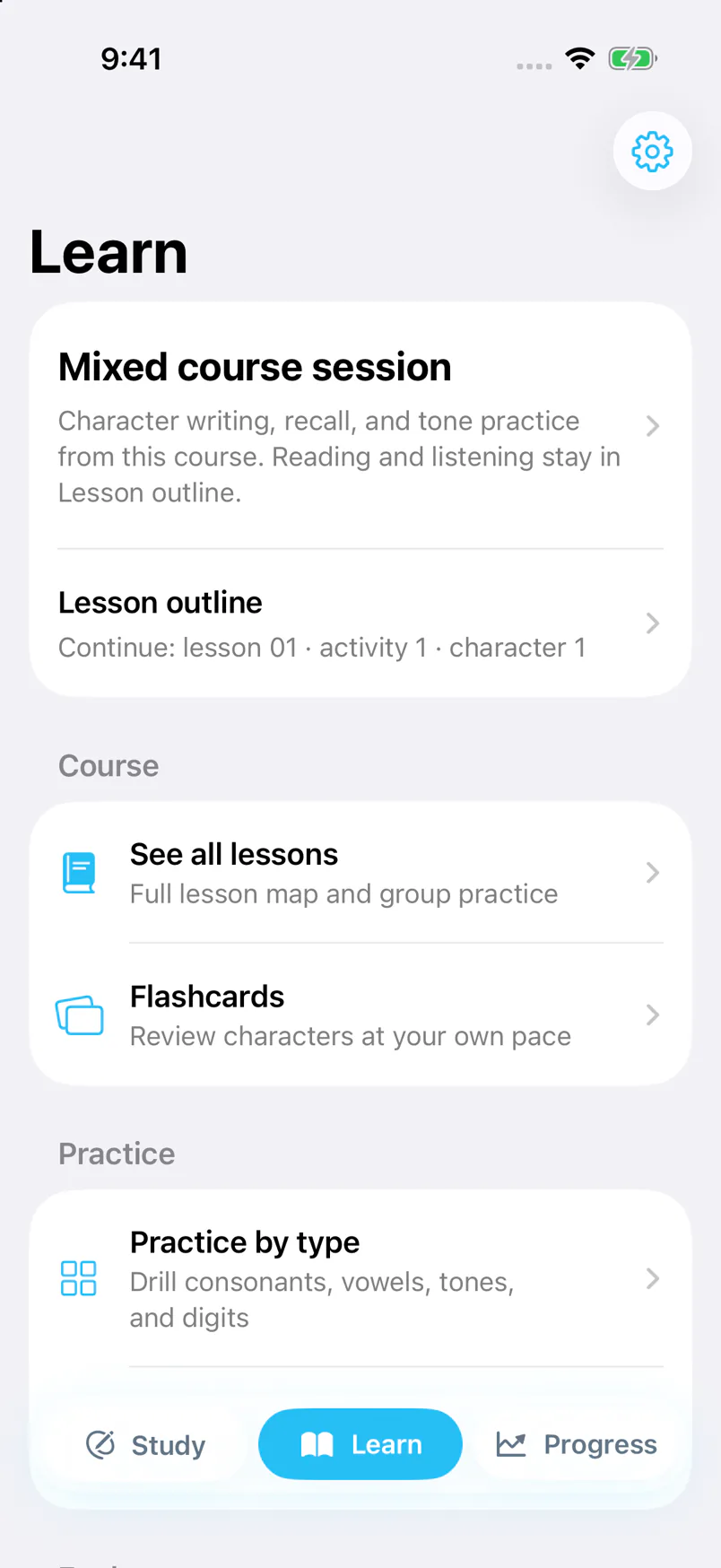
Build a foundation in Thai script, reading and sound.
Animated guides and handwriting practice, at your pace.
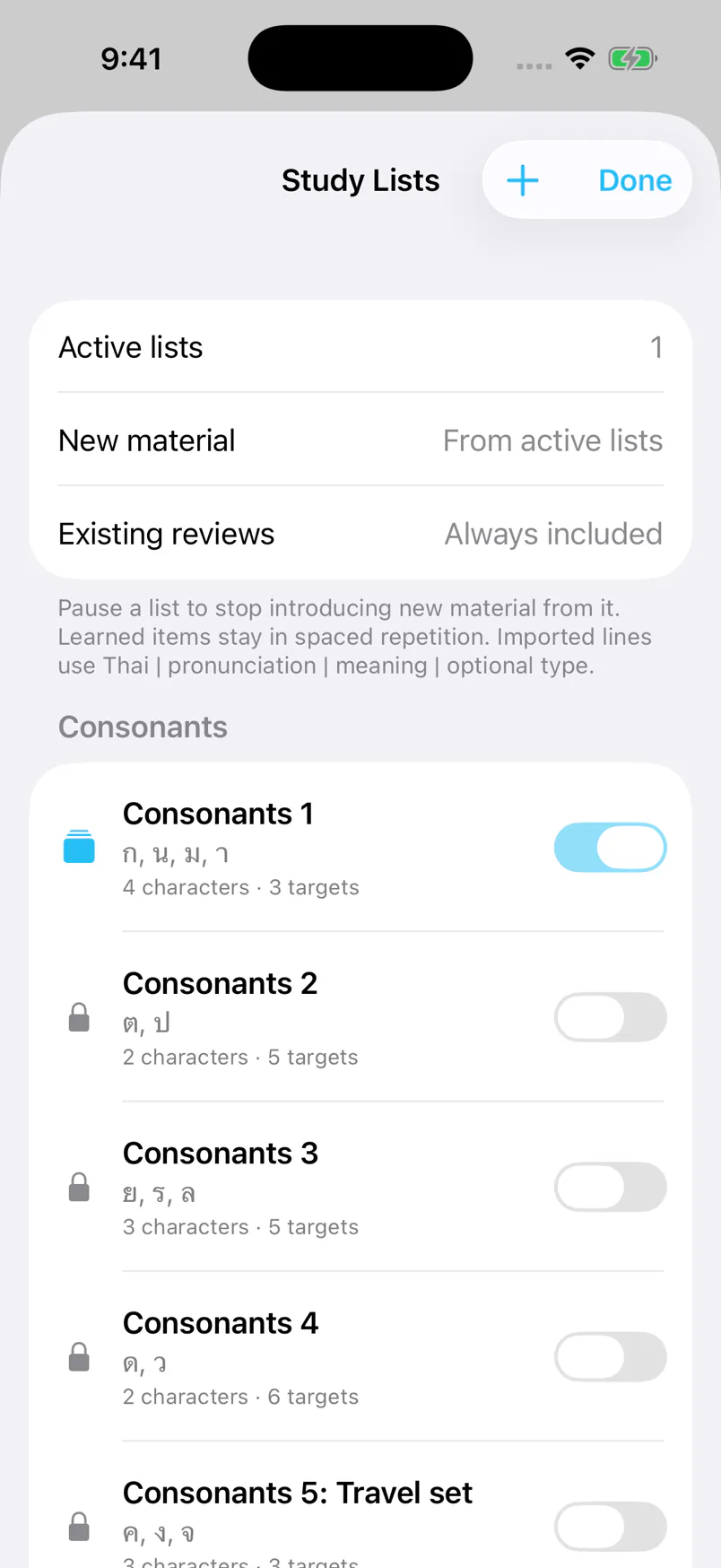
Choose your lists. Keep learned items in spaced review.
Actual iPhone development-build screens. Android follows the same learning approach; layouts may differ. Screens may change before release.
More ways to connect
ก → กา
Practise characters, syllables and words, with writing and reading activities that connect the pieces.
Listen & compare
Explore tone patterns, hear contrasts and practise known words. Experimental voice feedback is a practice aid, not a pronunciation certification.
Your study, your pace
Choose study lists, make your own, and use progress and review history to see what needs another look.
Pick up where you left off
Learn without an account. Sign in when you want to sync supported Study progress and custom lists between your devices.
Thai is the destination
NexaThai teaches Thai. Interface text and lesson explanations have translations in the languages below, so you can focus on the new script.
Some newer features may still appear in English. Chinese script variants are listed separately.
Good to know
No. You can learn on your device without signing in. An account is optional and is used to sync supported learning progress and custom lists.
Learning takes place in the iPhone and Android apps. This website introduces NexaThai and lets you manage your account; it is not a web version of the course.
Character and Study progress and custom lists can sync. Lesson history, practice sessions, journal entries and saved files stay on the device unless you explicitly export or share them.
NexaThai plays bundled audio when available and uses your device’s Thai speech voice for other supported prompts. Voice availability can depend on your device and its settings.
You can delete it from the app or use the account-deletion page on this website. Cloud deletion and erasing learning records on your device are separate choices.
Email the privacy user at the Nexatrode website’s domain.
Your Thai starts with one step
Writing, reading and sound—in a practice you can make your own.
Store links will be added as each app becomes available.